Use the front door designer to create premium-class doors tailored to your home’s architecture and individual expectations.
This tool is designed for users looking for above-standard solutions — both in terms of design and customization options.
With the door builder, you can create unique front doors step by step by selecting the model, appearance, and equipment, and instantly preview available variants.
Design your door with our online door builder
How does the front door designer work?
The configurator was created to simplify the door design process by guiding the user step by step through all configuration stages.
It allows you to view available options and make informed decisions without needing to dive into technical details.
Have questions? Would you like our help choosing the perfect door? Get in touch with us!
Step 1 – Door model selection
Choose the door model that will serve as the base for further configuration. Models differ in style, character, decorative elements, and accessories.
Step 2 – Opening direction (DIN)
Specify the door opening direction — a key element for the functionality of the entrance.
Step 3 – Sidelights selection
Choose sidelights, such as side or top panels, which:
- enhance the aesthetics and character of the entrance,
- bring more natural light into the hallway,
- emphasize door proportions and visually enlarge the entrance.
Step 4 – Dimensions
Define the door height and width to perfectly match the planned opening and installation conditions.
Available width range: 900–1400 mm.
Available height range: 1995–2800 mm.
Step 5 – Color options
Select the door color by visually comparing available options to match the façade or window frames. Various wood-effect finishes are also available, such as golden oak.
Step 6 – Glazing type
In the next step, you can choose the glazing for the sidelights.
Various patterns and types of ornamental glass are available.
Step 7 – Handles and door hardware
Choose an external handle or door handle that affects both comfort of use and the unique appearance of the door. Configure from multiple sizes and colors. You can also choose the type of internal handle.
Step 8 – Locking system
Select the type of lock, including solutions with electric locking, which enhance comfort and security.
Step 9 – Additional accessories
Add accessories such as:
- drip cap,
- digital door viewer,
- house number with a fixed position,
- door knocker,
- low threshold strip,
- internal mirror.
Step 10 – Send an enquiry to our expert
Once you finish configuring and selecting the elements that best suit your aesthetic and functional needs, you can send an enquiry to our expert regarding the door price.
Simply click the “SEND ENQUIRY” button.
Important
At every stage of editing a door model, you can check how the construction looks from the inside. You can also enable Black Edition mode, which automatically configures the door in an elegant black color.
Why use the front door designer?
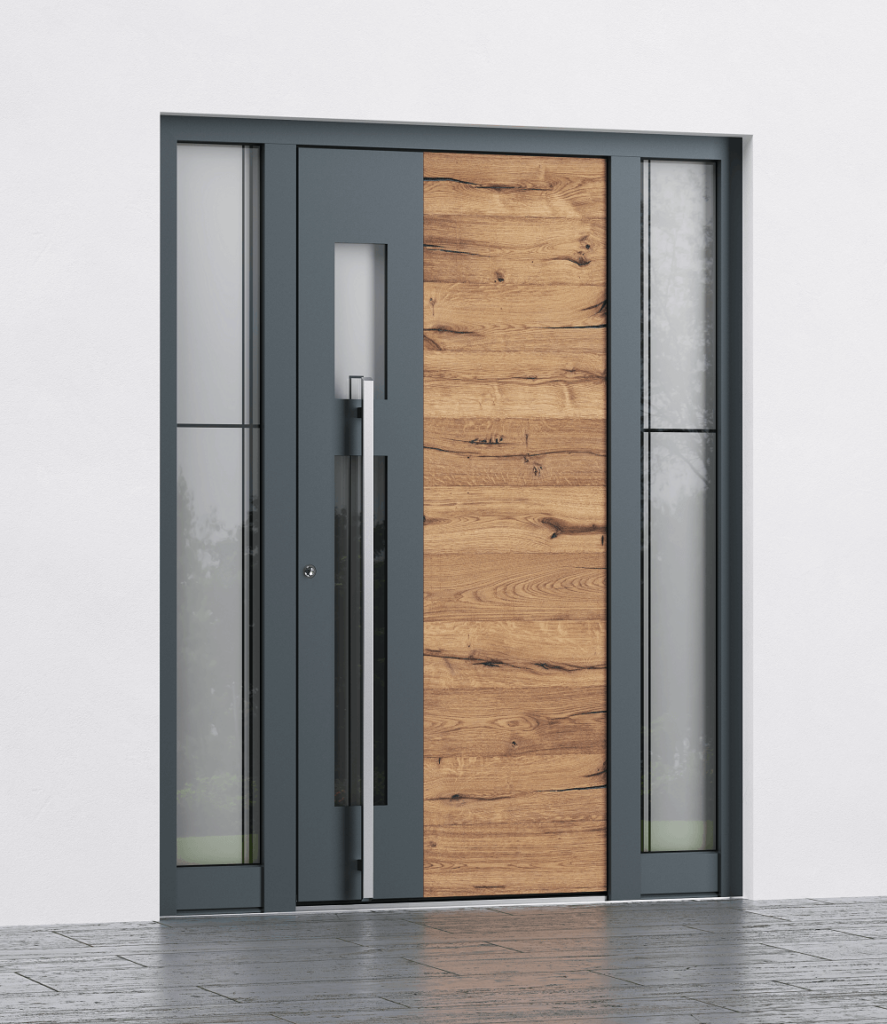
The configurator allows you to:
- design your door quickly and intuitively (it can take just a few dozen seconds),
- get a full overview of available options and equipment,
- consciously plan the door’s appearance and functionality,
- easily prepare a project for further purchasing decisions.
Premium doors available in the configurator
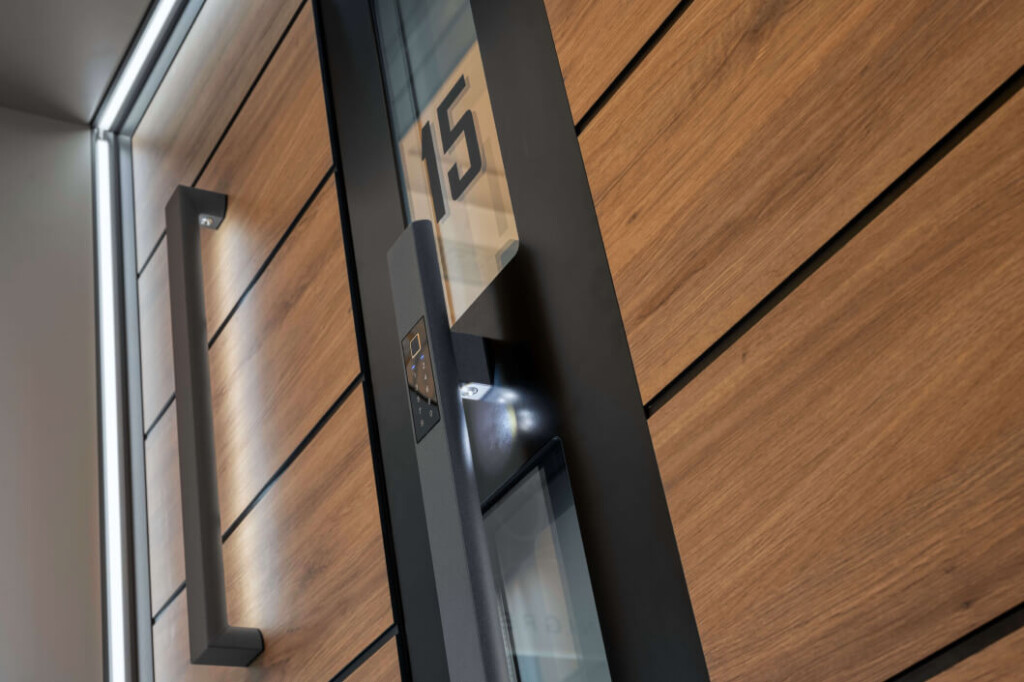
The constructions available in the front door designer are premium-class products distinguished by a high level of security (up to RC3), excellent thermal insulation (as low as 0.61 W/m²K), as well as durable materials and precise workmanship.
These are timeless designs backed by a 10-year manufacturer’s warranty.